

The Owner Manager Discipline (TOMD) helps business owners make consistent progress through practical learning, weekly live sessions and focused action. Led by Dave Howick, the programme brings together his business experience and a straightforward principle: make one meaningful improvement each week.
TOMD needed a website that could explain the offer clearly and deliver the membership behind it. Visitors needed to understand the value, join a monthly subscription and access a dedicated space for their ongoing learning. The client also needed a manageable way to publish weekly recordings and update programme videos.
The project began with a course-led direction, but the real requirement was a recurring membership. A library of lessons alone would not cover the weekly calls, recent recordings, subscription billing and ongoing member communication.
The public website and private member experience also needed to feel connected. Sending people between unrelated screens, complicated menus and separate systems would make a straightforward offer harder to use.
Our brief was to bring those requirements together in WordPress: a clear marketing website, a focused signup journey and a Members Vault built around the activities members would return to each week. For the client, routine content updates needed to remain accessible through the administration area.
Cada Media organised the project around three journeys: discovering the programme, becoming a paid member and returning to use the membership.
We developed a custom WordPress membership plugin to support the specific requirements of TOMD. This gave us control over the relationship between payment confirmation, account creation, membership status and access to the Members Vault.
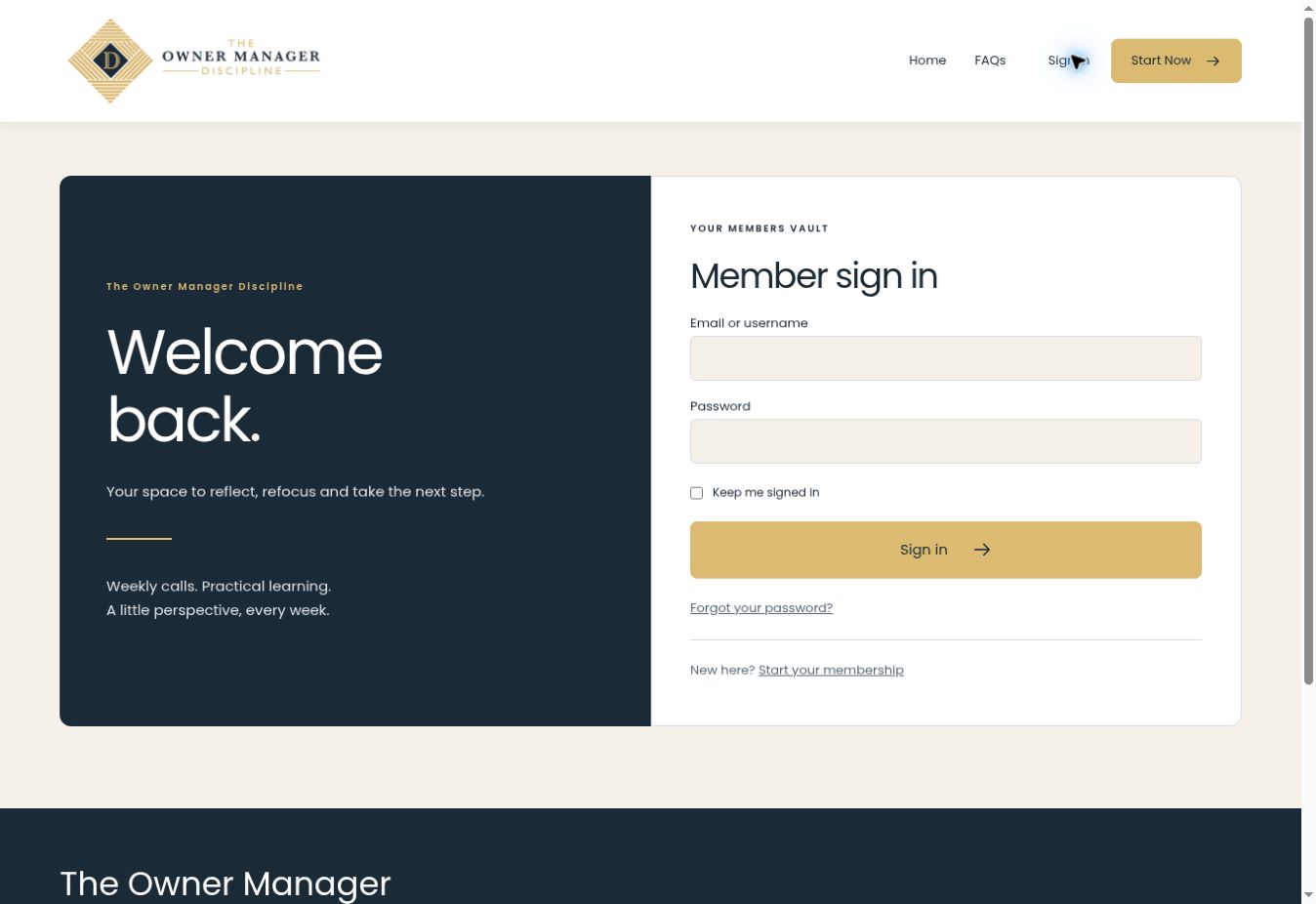
The interface was kept deliberately focused. The public navigation guides visitors towards information, FAQs, sign-in and the Start Now action. Inside the membership, content and account functions are organised around recognisable tasks rather than a long catalogue of course features.
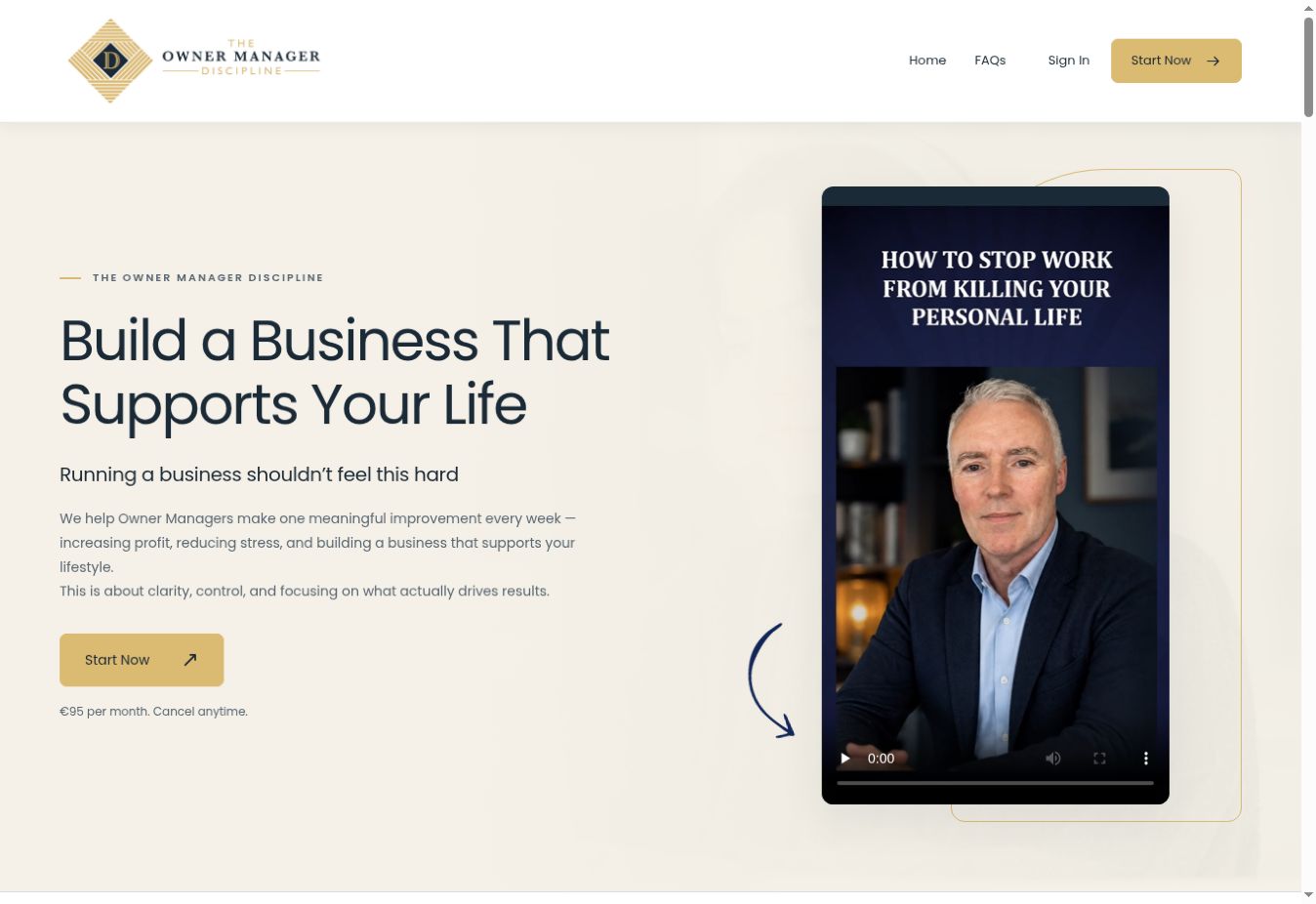
The public website uses TOMD’s navy and gold branding with warm neutral backgrounds, clear typography and prominent video content. The design carries the same visual language through the homepage, signup and sign-in screens.
The homepage introduces the programme, explains what members receive and sets out what their first month can look like. Dave’s introduction, programme information, FAQs and video content help visitors evaluate the offer before joining.
A complimentary workshop near the bottom of the page provides a further introduction to the approach. We also provided a direct section link so the client can point email recipients and other visitors to the workshop without adding another navigation item.
Responsive layouts were included to support people browsing and returning to the site from different screen sizes.
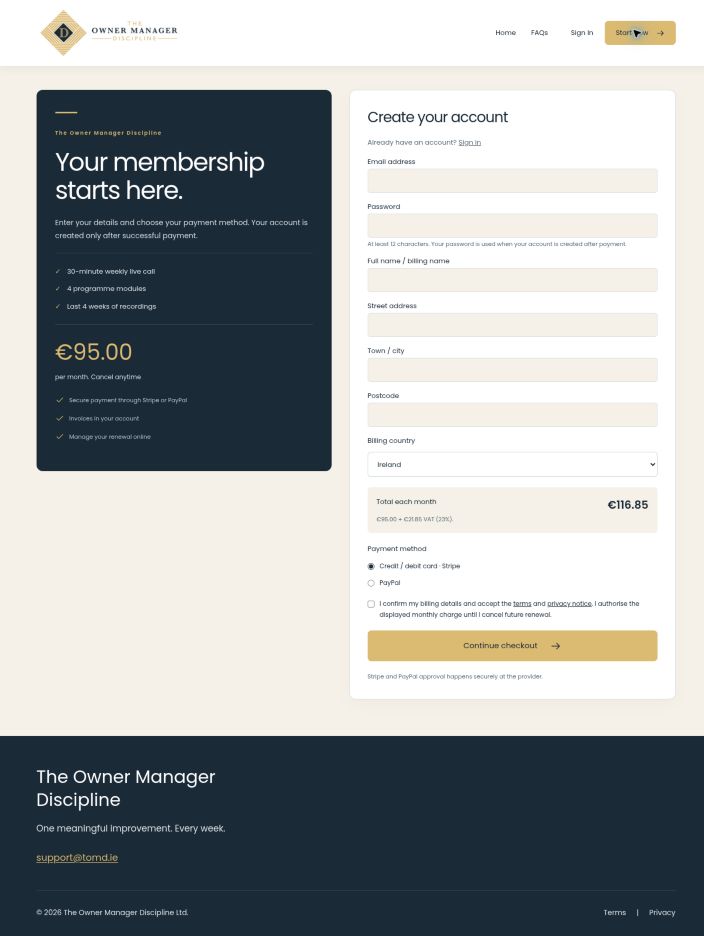
The signup page brings membership information, account details, billing details and payment-method selection into one journey. Stripe and PayPal provide the payment approval step.
A key requirement was to avoid creating a new member account before payment had been completed. The custom flow creates the account after successful payment is confirmed, then directs the member towards the order confirmation and Members Vault. This addresses the confusion that can arise when an unfinished payment leaves someone with an account but no active membership.
The checkout includes a billing-country dropdown and displays the applicable monthly total using the client’s configured VAT rules. Members can choose their payment method with the recurring charge shown before continuing.
Membership status is connected to payment-provider updates. The implementation includes handling for renewals, cancellations and incomplete checkouts, rather than treating every signup as a one-off purchase.
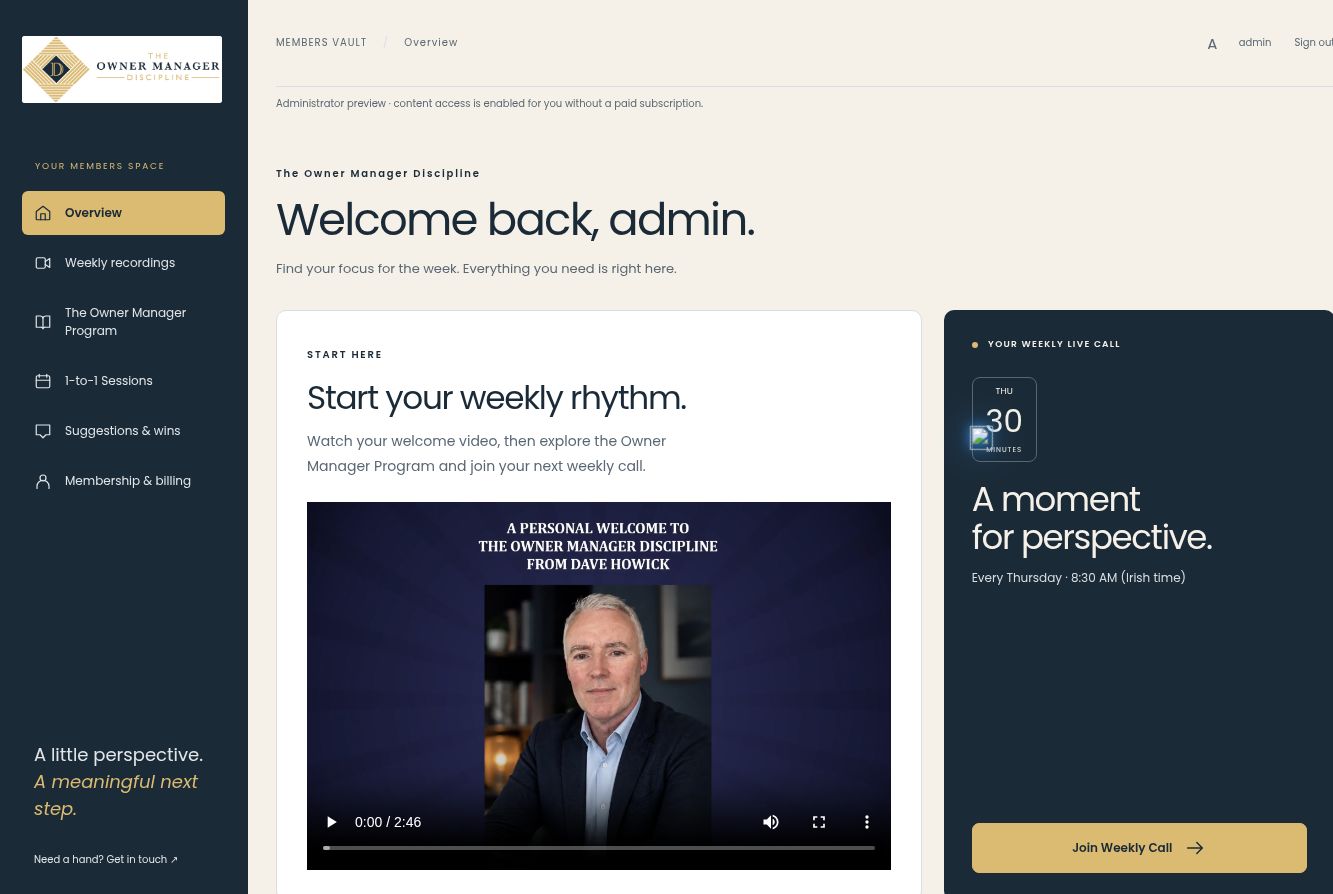
The Members Vault brings the core membership activities into one place. The overview introduces members to the welcome video and their next weekly live call.
A dedicated programme area presents the four Owner Manager Program modules, with separate video selections and thumbnails. Members can move through the material at their own pace without searching across unrelated pages.
Weekly recordings have their own section, designed around the latest four weeks of sessions. Dates, durations and clear recording links make it easier to identify the relevant session and catch up after missing a live call.
The vault also provides access to 1-to-1 sessions, Suggestions & Wins, and Membership & Billing. Keeping these functions together gives members a familiar place to return to throughout their subscription.
The six main navigation tabs organise the membership around the tasks members return to most often. The following screenshots were captured from the live website using administrator preview; the preview notice is retained where visible.
The Overview gives members a clear starting point each time they return. A welcome video introduces the programme, while the weekly call card shows the Irish meeting time and a Join Weekly Call button. Shortcuts connect members to recordings, programme modules and individual support. Bringing these elements together helps people find their next activity without searching through separate pages.
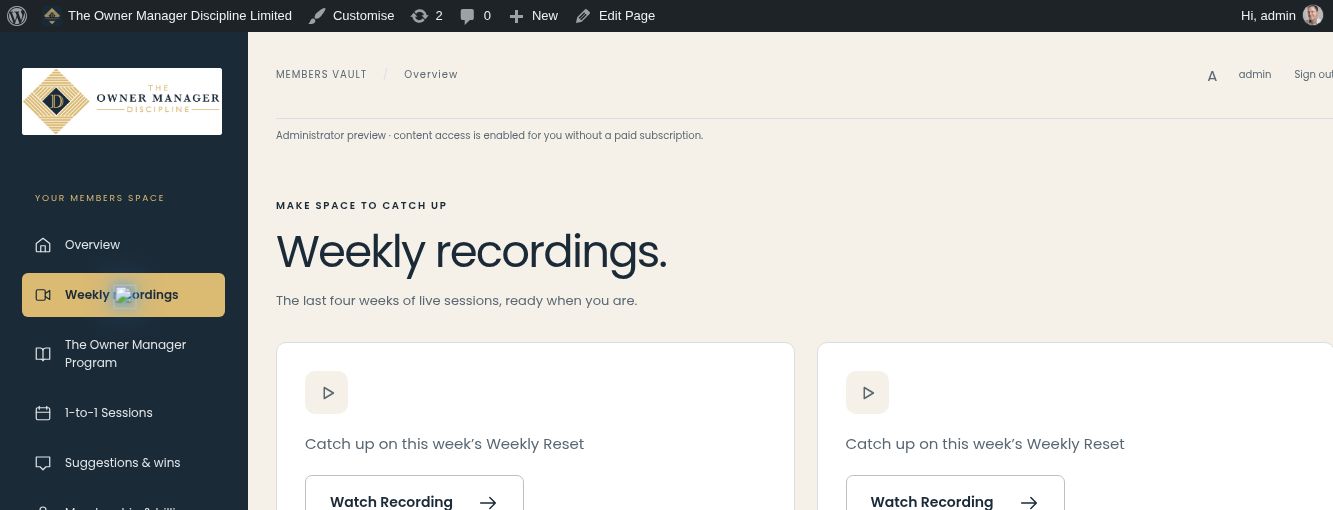
The Weekly Recordings tab is dedicated to catching up on the latest four weeks of live sessions. Each recording has a clear Watch Recording action, with date and duration information in its card. Where a Zoom recording requires a passcode, the member can find it alongside the recording. Those private access details are excluded from this published screenshot. Keeping recordings separate from the programme modules distinguishes the weekly activity from the self-paced course material.
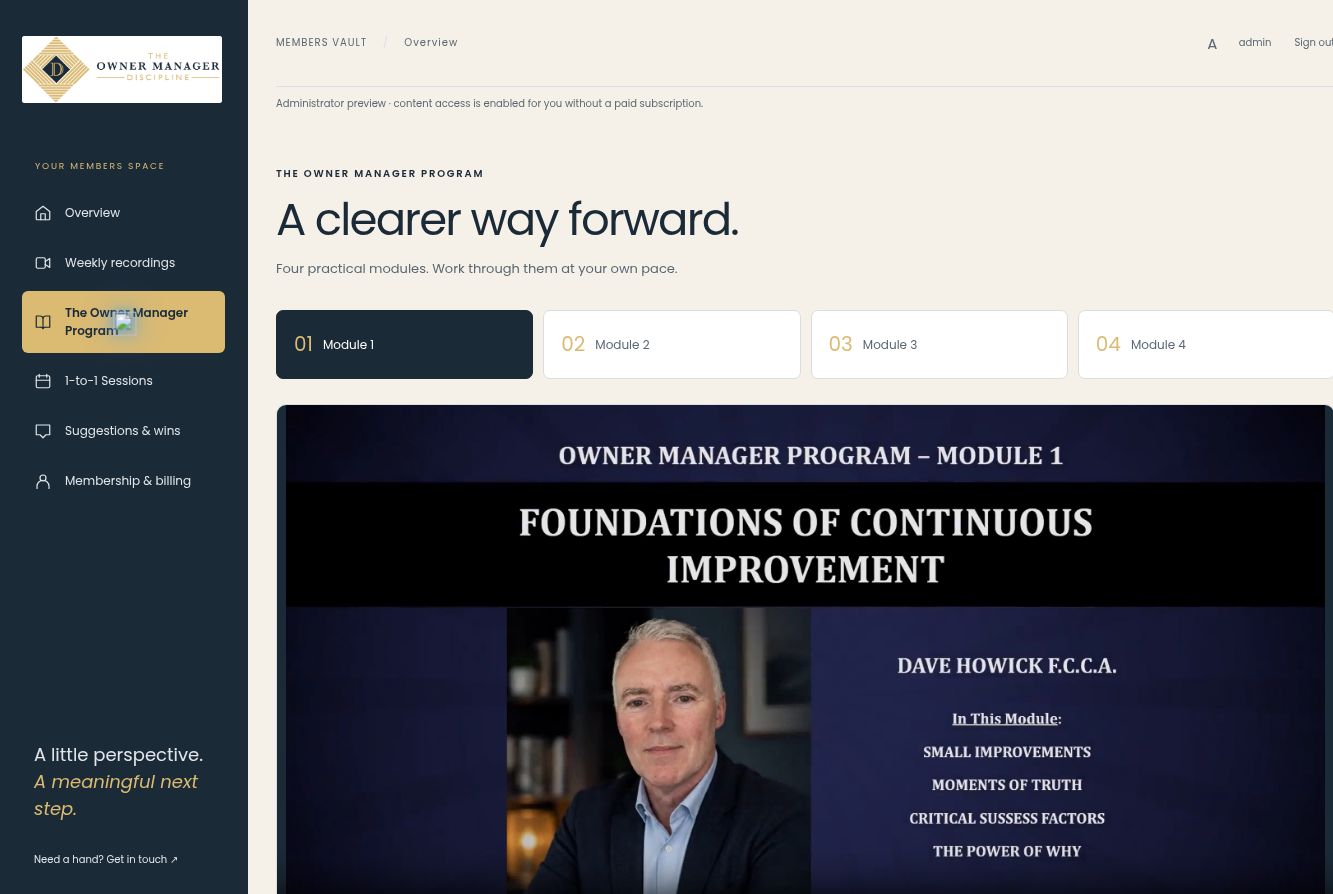
The programme area presents four practical modules through clearly numbered tabs. Selecting a module displays its video and supporting description. The modules cover Foundations of Continuous Improvement; Building a Business That Delivers Value; Maximise the Value That Is Already There; and Accounting for Success: Numbers That Matter. The interface lets members choose the material relevant to them and work at their own pace. Below the modules, a separate enquiry section introduces the intensive 1-to-1 programme without adding another checkout to the main learning area.
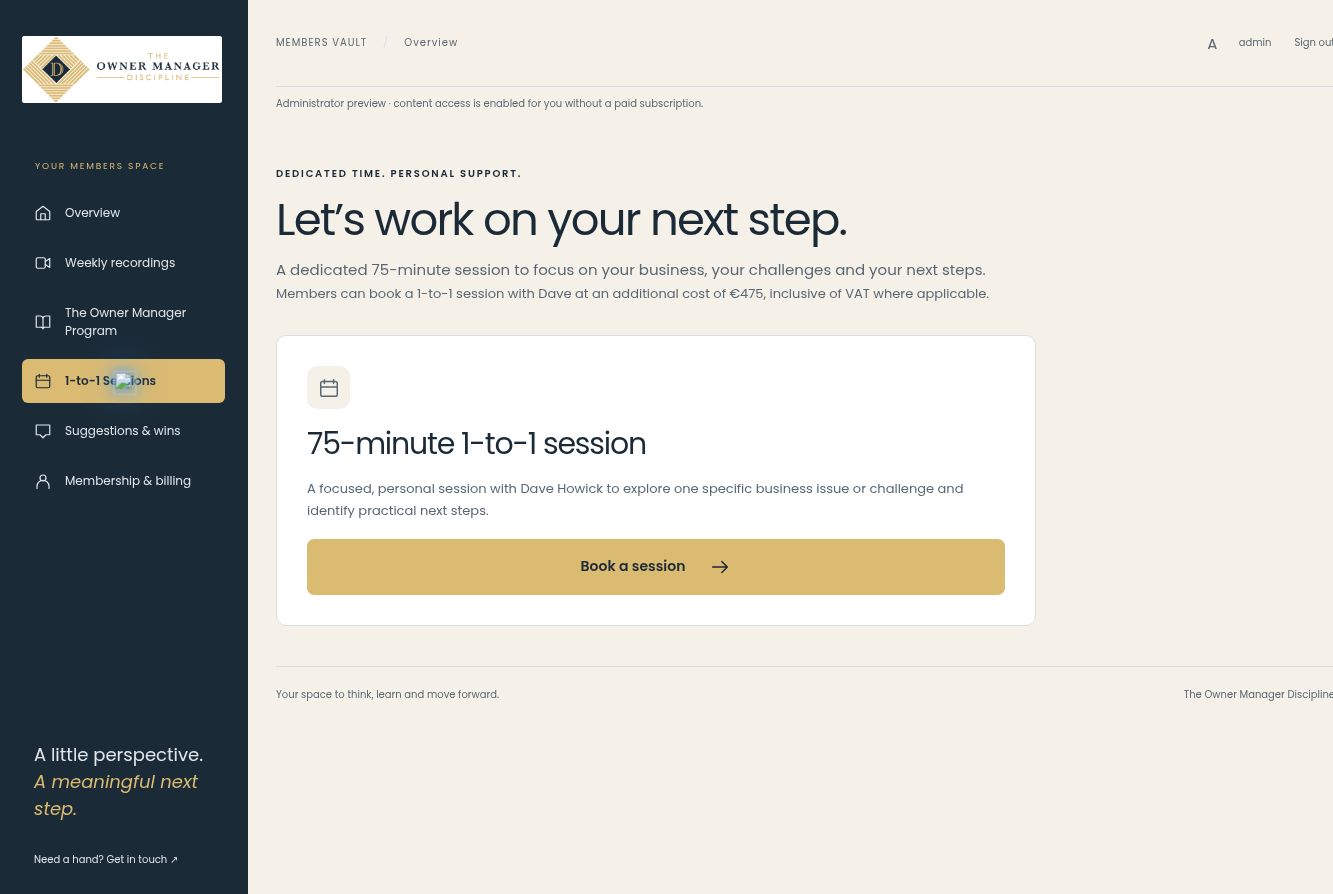
The 1-to-1 Sessions tab explains the dedicated 75-minute consultation with Dave Howick. It sets out the purpose and additional cost before presenting a Book a session button. That button leads to the separate booking page, where the Calendly integration supports appointment selection. This keeps individual consultations easy to discover while separating them from the recurring membership payment.
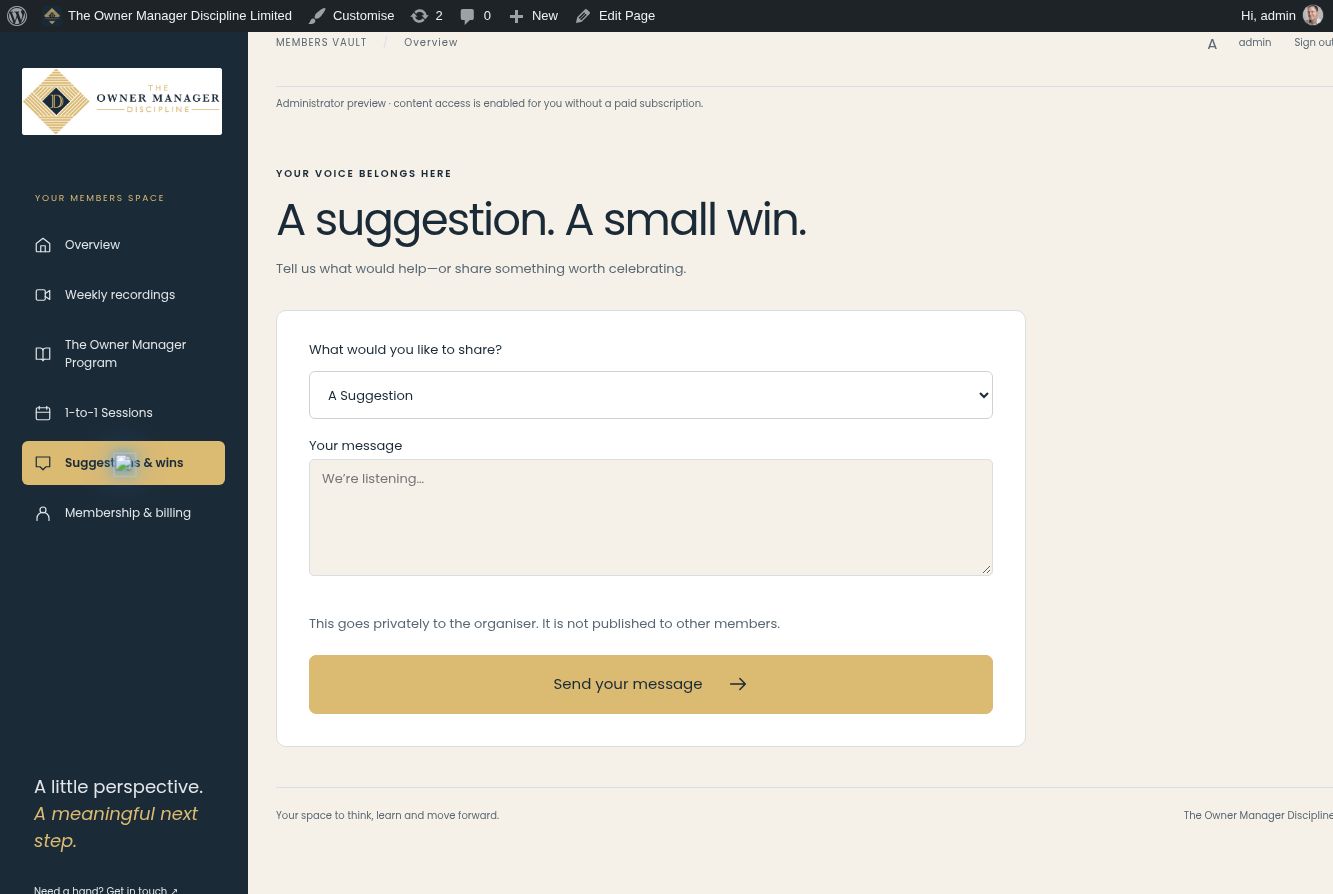
The Suggestions & Wins tab gives members two clear choices: A Suggestion or Win of the Week. A single message field keeps the interaction short and approachable. The page explains that the message goes privately to the organiser rather than being published to other members. The implemented submission workflow saves the message and queues a support notification, then provides an on-page confirmation. No demonstration message was submitted while capturing this case study.
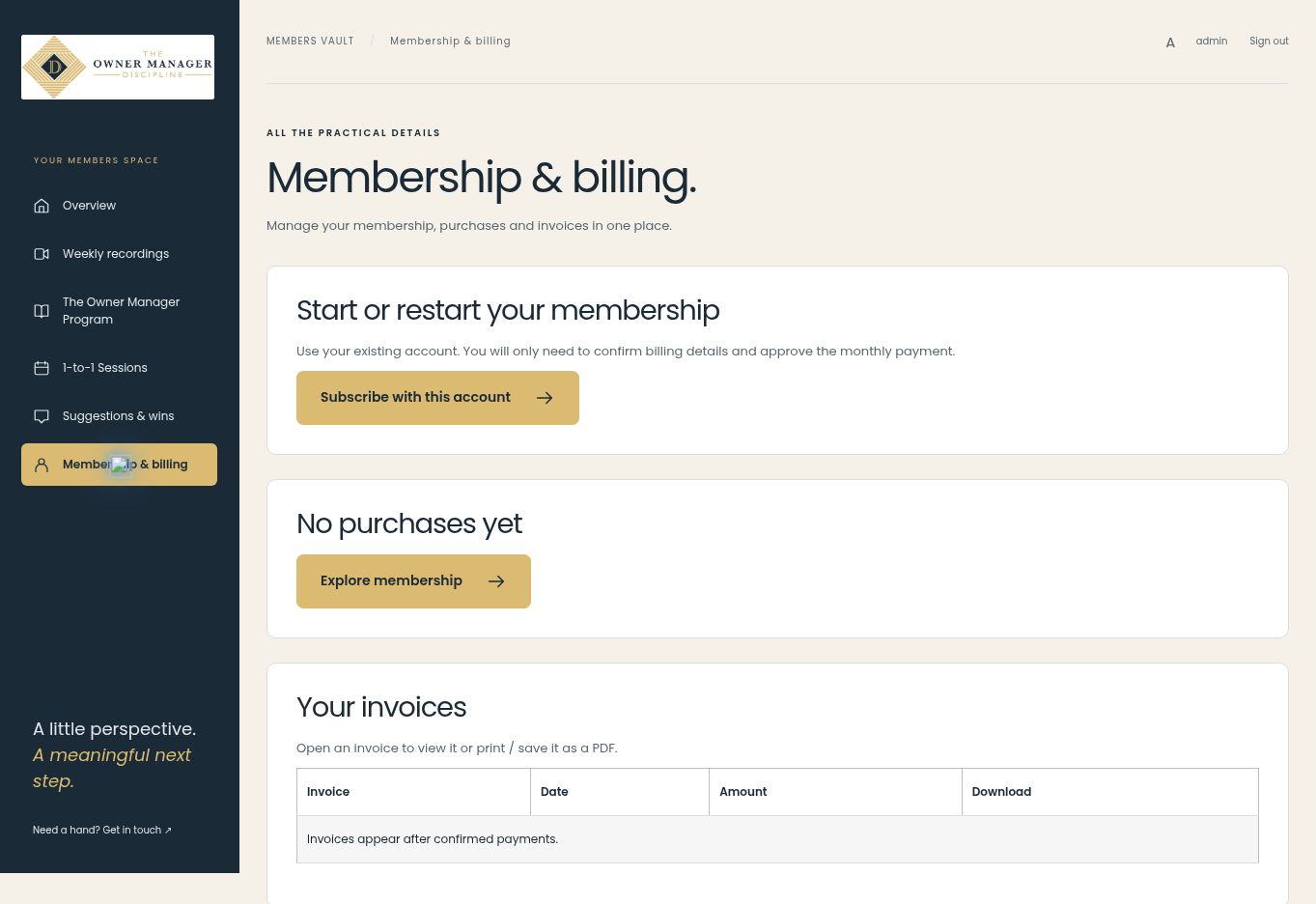
The Membership & Billing tab brings purchases, invoices and account details into the member navigation. For an account without a subscription, the page provides a route to start membership using the existing account. The screenshot shows this empty state, including the invoice table before any confirmed payments. Paid memberships use this area for the subscription and invoice controls implemented as part of the project, including cancellation of future renewals. The screenshot is not evidence of a paid subscription or a cancellation test.
Zoom supports TOMD’s weekly live calls. A recurring meeting link is presented through a Join Weekly Call button, while published recordings provide a separate route for catching up afterwards.
For individual support, a dedicated 1-to-1 Sessions page connects members with Calendly. Appointment availability and bookings remain managed in the booking service, while the website explains the session and provides a clear route to book.
The Owner Manager Program also includes an enquiry-led option for a more personal 1-to-1 experience. This is presented as a simple support option rather than adding another subscription checkout to the main membership journey.

The implementation separates subscription-related messages from regular editorial campaigns. The membership plugin handles service emails associated with payment and subscription events, including the editable Get a Head Start message following the first confirmed membership payment.
Our CRM Mail supports the weekly email campaigns. An active-paid-member tag connects membership eligibility with campaign audience selection, helping the client target the relevant members without maintaining a separate manual weekly mailing list.
Members can access invoices and membership information through the billing area. Cancellation controls provide a way to stop future renewals while retaining access for the period already paid for.
The Suggestions & Wins form gives members a simple way to share an idea or a weekly success. Submissions are saved for administration and support notification, providing another point of contact within the membership.
The client’s regular work is centred on content: publishing the latest weekly recording, replacing a module video, updating a thumbnail or changing a meeting link.
The plugin provides administration controls for these tasks, along with settings for the induction video, Zoom and Calendly links. A separate recent-purchases view helps staff review orders and membership states.
Our handover plan focuses on those practical responsibilities. The aim is to make day-to-day management understandable to the person running the programme, while keeping payment configuration and advanced recovery tasks separate from routine publishing.


